
29 Oct Common Mistakes When Installing and Using Smart Motorized Shades
Many homeowners hesitate before starting a smart motorized shades installation because they assume it means drilling, wiring, and calling in a contractor. That assumption, along with a handful of other misconceptions about compatibility, fabric choice, and scheduling, often stops people from upgrading their windows at all. This article works through the most common mistakes and misunderstandings so the setup and daily use of motorized shades become far less intimidating.
Thinking Smart Shades Require Professional Installation
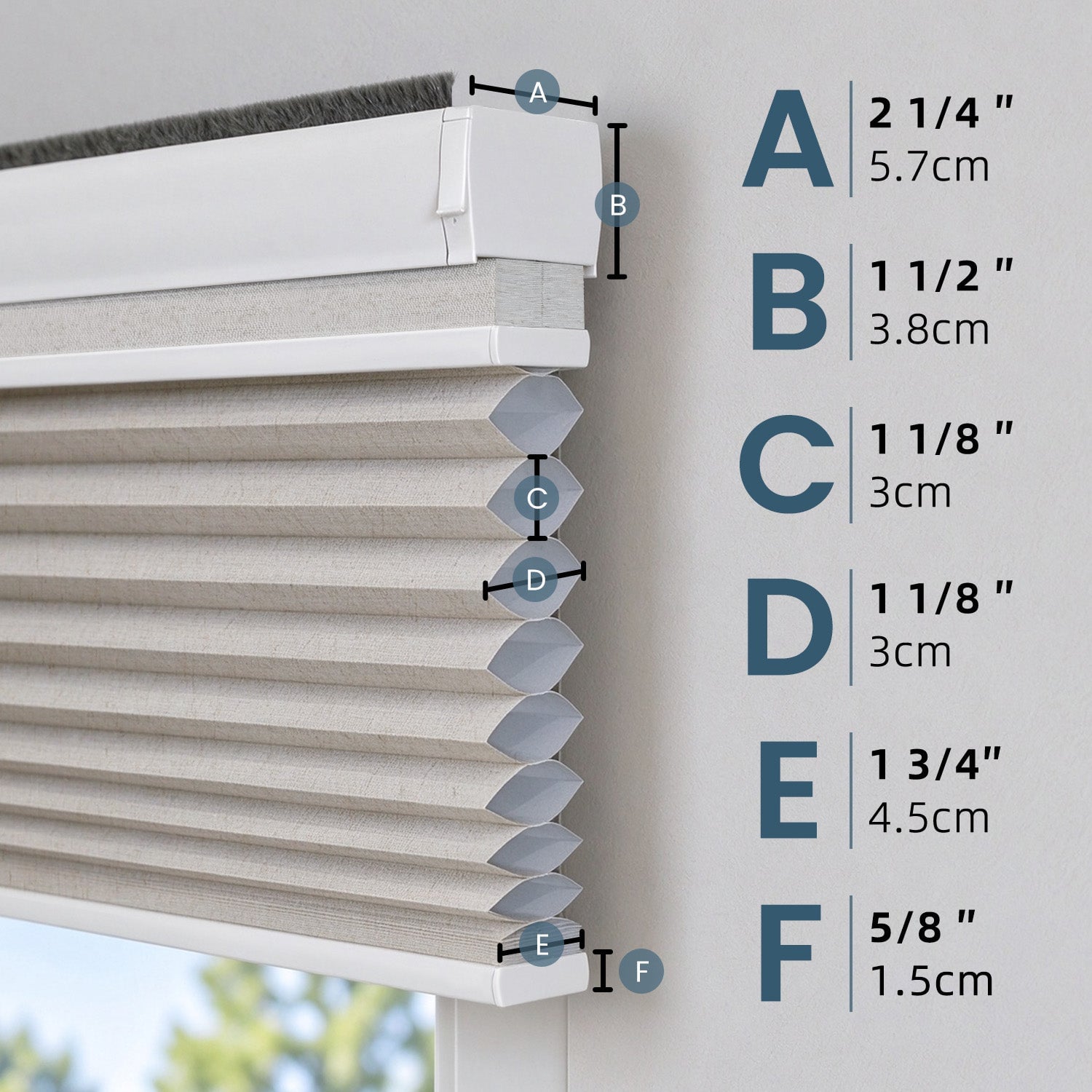
The biggest misconception is that motorized shades belong to the same category as full home automation wiring projects. In reality, SmartWings designs its roller shades so a single person can mount the brackets and snap the valance into place without extra tools. That changes the entire calculation for anyone who assumed a contractor visit was mandatory.
Because the hardware is built for simple bracket mounting, a smart motorized shades installation typically takes minutes rather than hours. Skipping the professional-installer step does not mean skipping alignment or finish quality, since the brackets are designed to produce a level, flush result on the first try.
Confusing HomeKit, Alexa, and Google Home Compatibility
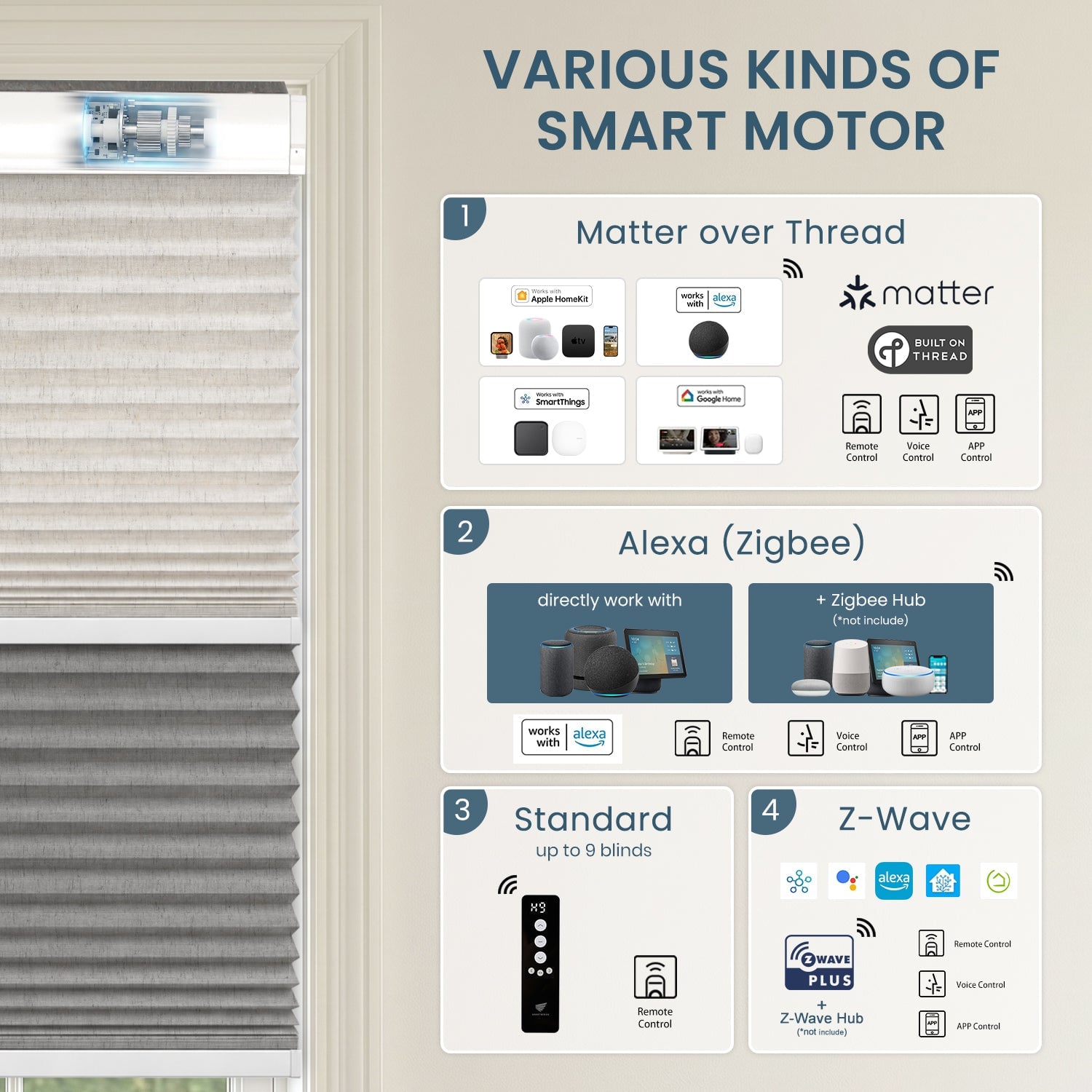
Another frequent error is assuming that a shade compatible with one voice assistant automatically works with every other platform. SmartWings shades and blinds connect with Apple HomeKit, Amazon Alexa, Google Home, SmartThings, Home Assistant, Hubitat, Control4, Crestron Home, RTI, and ELAN. That broad compatibility list is worth checking against whatever ecosystem already runs a given household before assuming a mismatch exists.
Operation is not limited to voice commands either. Shades can be controlled with a remote, through an app, or by voice, and a single blind or multiple blinds can be managed from anywhere once the platform is connected. This flexibility is part of why a smart motorized shades installation rarely locks a household into one single ecosystem.
Misunderstanding Light Filtering vs. Blackout Fabrics in SmartWings Roller Shades
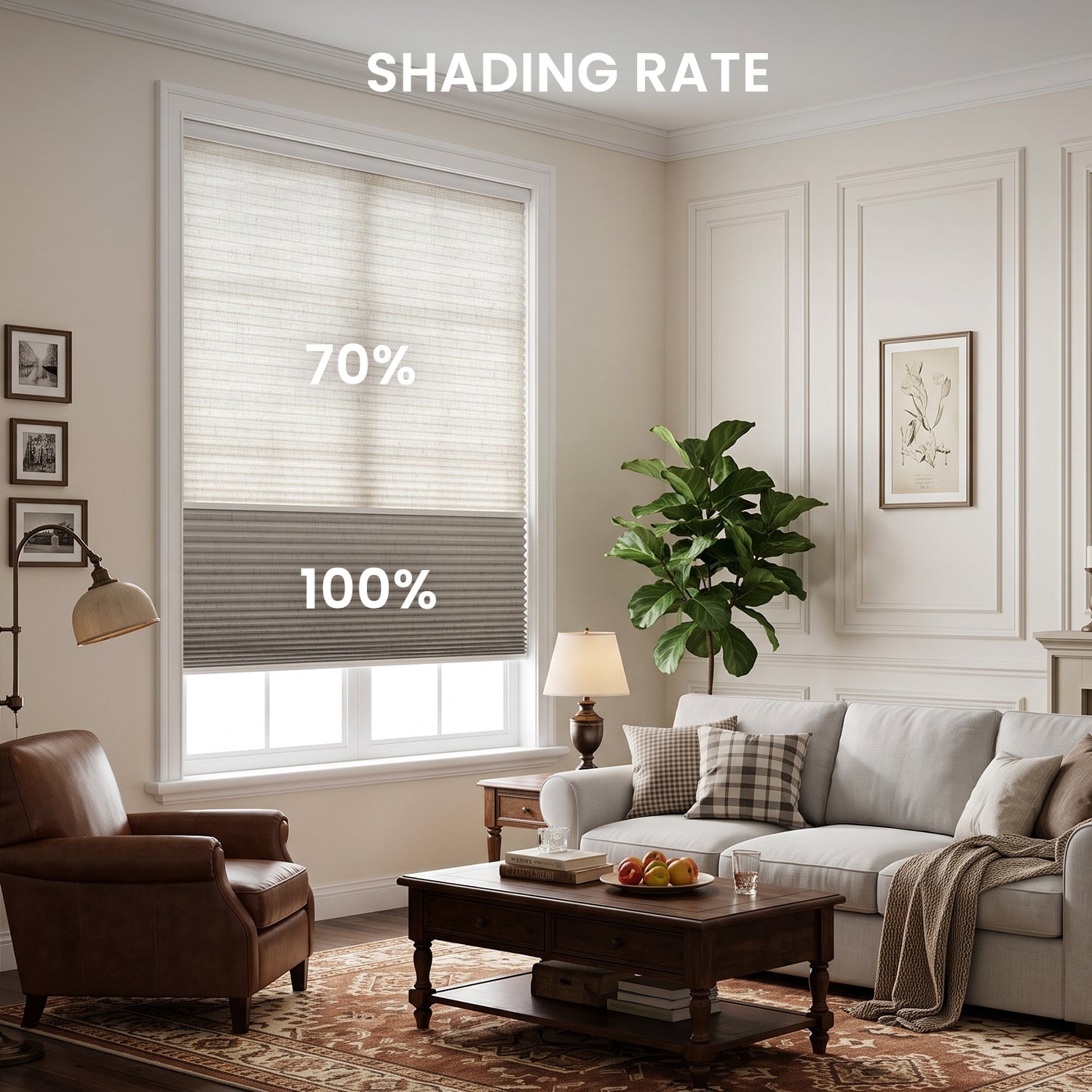
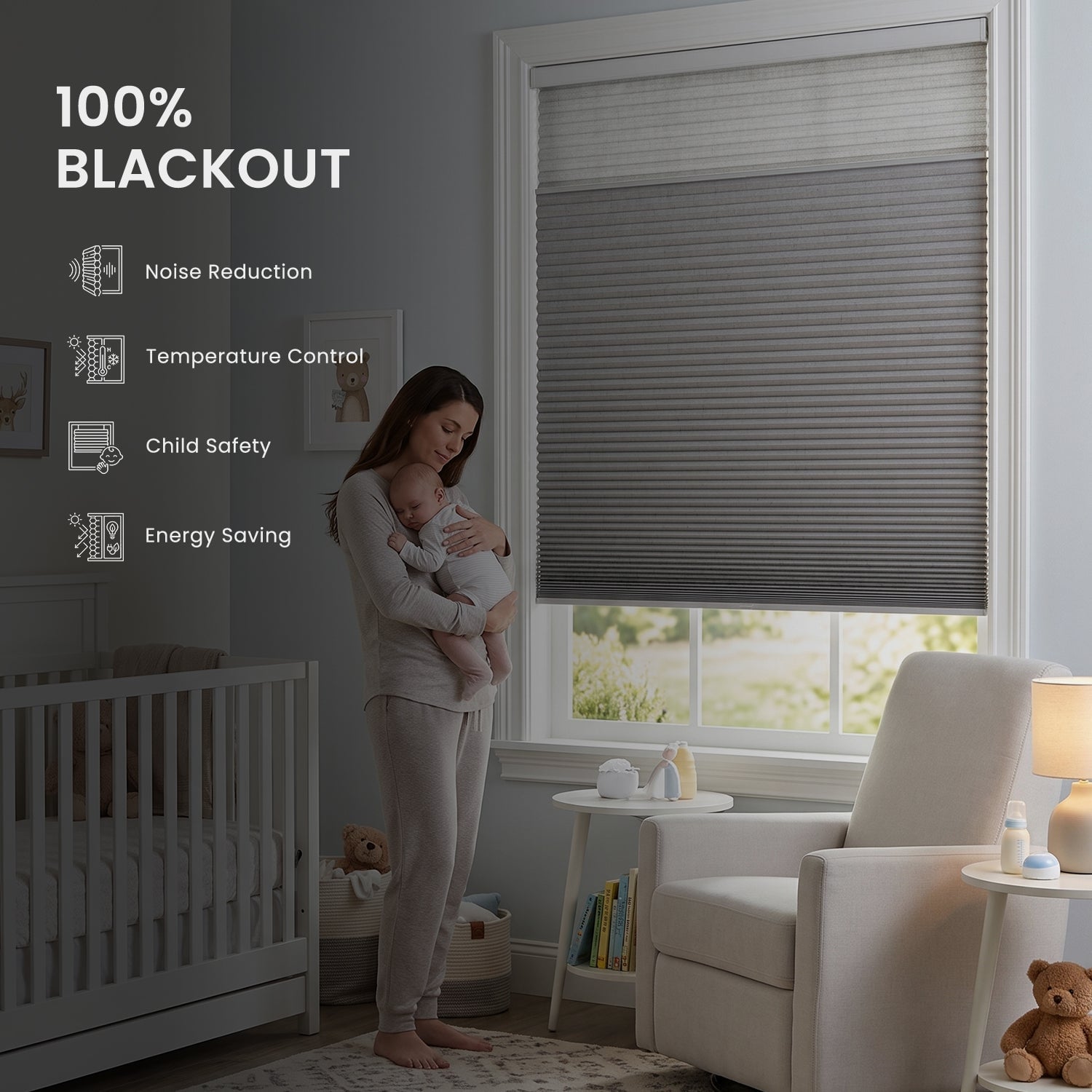
Fabric terminology trips up a lot of first-time buyers. Light filtering fabrics, such as the 70% Blackout Safari or the 50% Blackout PVC Free Sunscreen option, soften daylight while still allowing some visibility and glow through the window. Full blackout fabrics, like the 100% Blackout Linen, Safari, or Vigor options, are built to block light almost entirely rather than simply diffuse it.
Openness ratings on sunscreen fabrics add another layer that is easy to misread. Options such as the 1%, 3%, or 5% Openness Aventus line, or the 0% Openness Metis blackout solar shade, describe how much light and view actually pass through the weave. Mixing up a sunscreen openness percentage with a blackout percentage leads to picking the wrong fabric for a room’s actual privacy or light needs.
The Myth That Motorized Shades Cannot Be Controlled Manually
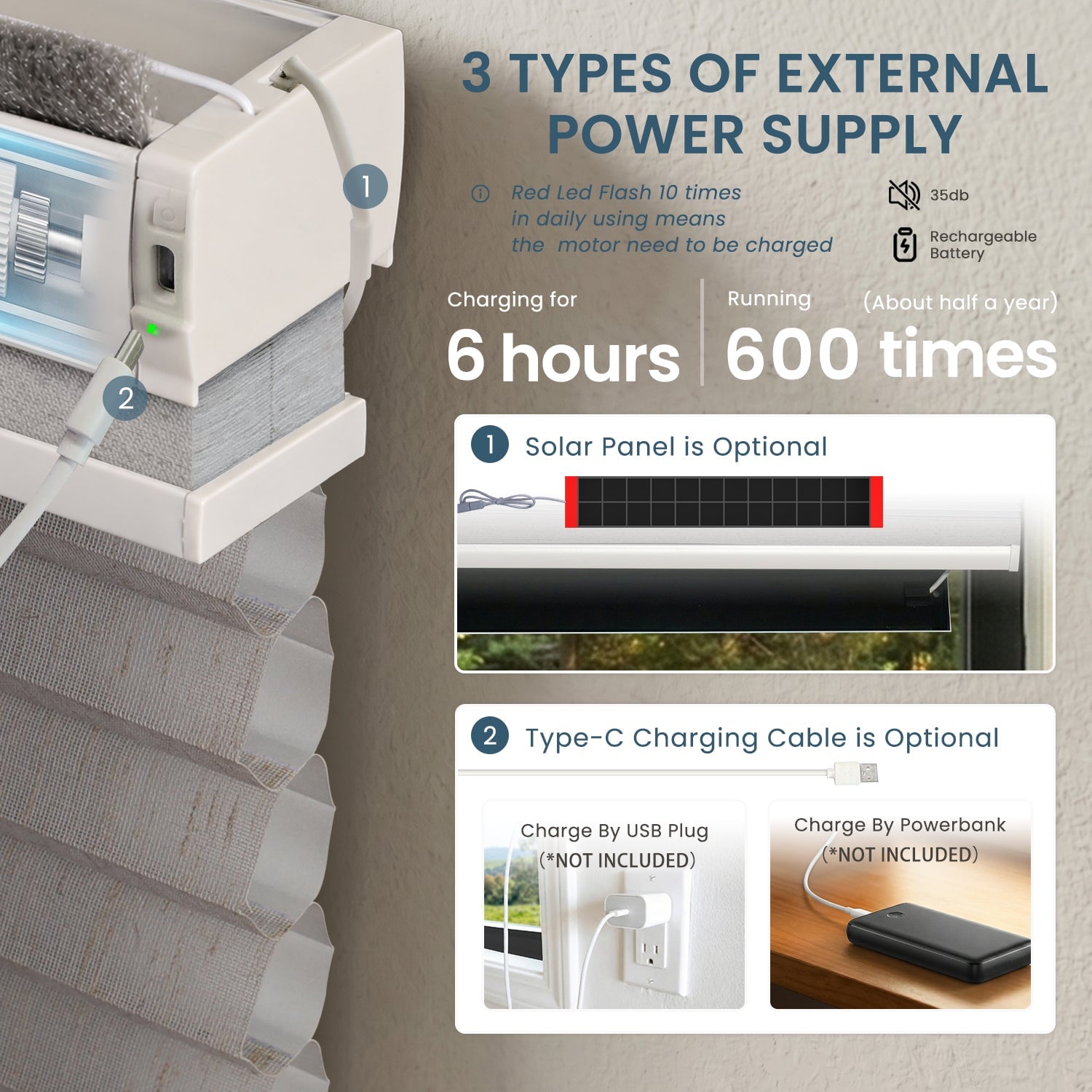
Some homeowners assume that once a shade is motorized, every adjustment must go through an app or a voice command. That is not how the category works in general, and it is not how SmartWings approaches control either. Remote control, app control, and voice control are offered side by side, so a quick manual-style adjustment via remote or app remains available at any time.
This flexibility matters when a phone is out of reach or a voice assistant is briefly offline. Having multiple control paths means the shade never becomes unusable just because one connection method is down.
Scheduling Misconceptions: Why Sunrise and Sunset Settings Don’t Work as Expected
Automatic schedules built around sunrise and sunset sound simple, but the settings often confuse new users who expect the shades to move at a fixed clock time every day. Sunrise and sunset shift throughout the year, so a schedule tied to those events will naturally move earlier or later as the seasons change. Treating the feature as a fixed daily timer, rather than one tied to the actual solar cycle, is where the confusion usually starts.
Beyond sunrise and sunset triggers, scheduling options also include position control and scene control, which can be set up to suit a household’s routine. Understanding that these are separate tools, not interchangeable settings, helps avoid frustration when a shade does not move exactly when expected.
Overlooking Fabric Samples Before Ordering Custom Shades
Ordering custom shades based on a screen image alone is a common and avoidable mistake. SmartWings offers fabric swatches, including drapery and curtain samples covering shades such as Cream, Wheat, Sierra Grey, Dove, and Coconut Brown, along with sunscreen samples covering the Dune, Metis, and Aventus lines in multiple openness percentages. Reviewing an actual swatch in the room’s own lighting reveals texture and color differences that photos rarely capture accurately.
Skipping this step before a full smart motorized shades installation often leads to reordering fabric after the first set arrives and looks different than expected in person. Requesting samples first from SmartWings removes most of that uncertainty before committing to a full custom order.
- Many buyers assume a drill and anchor kit is required, when SmartWings brackets are designed for simple mounting without extra tools.
- Some installers wire shades into existing switches unnecessarily, while motorized units ship ready for app, remote, or voice setup without rewiring.
- A common error is buying shades before confirming a smart home platform, when checking compatibility with HomeKit, Alexa, Google Home, or SmartThings in advance avoids returns.
- Homeowners sometimes assume multiple shades need separate installation sessions, though a single person can typically mount several units in one sitting.
- Ordering without a fabric sample is another frequent misstep, and requesting swatches first helps match color and opacity to the actual room.
Getting Comfortable With the Basics
Most mistakes around motorized shades come down to outdated assumptions rather than anything technically complicated. Once compatibility, fabric type, and manual control options are understood, a smart motorized shades installation becomes a far more approachable home project than it first appears.

Sorry, the comment form is closed at this time.