

20 Jul Choosing the Right Monitor Resolution, Refresh Rate, and Panel Technology Explained
Your monitor is your window into the digital world, yet choosing the right one involves understanding specifications and technologies that can seem arcane and confusing at first glance. Understanding monitor resolution refresh rate and how they work together is essential for making informed purchasing decisions. Whether you’re upgrading from an ancient display or building your first computer, selecting a monitor that matches your actual needs and uses represents one of the most impactful decisions you’ll make for your computing comfort, productivity and daily enjoyment.
Quality monitors from PCHUB.UK come in an astounding variety of sizes, specifications and price points. Understanding what each specification actually means and how it affects your daily experience helps narrow the overwhelming choices into options that genuinely serve your specific needs.
Monitor Resolution Sharp Text and Detailed Visuals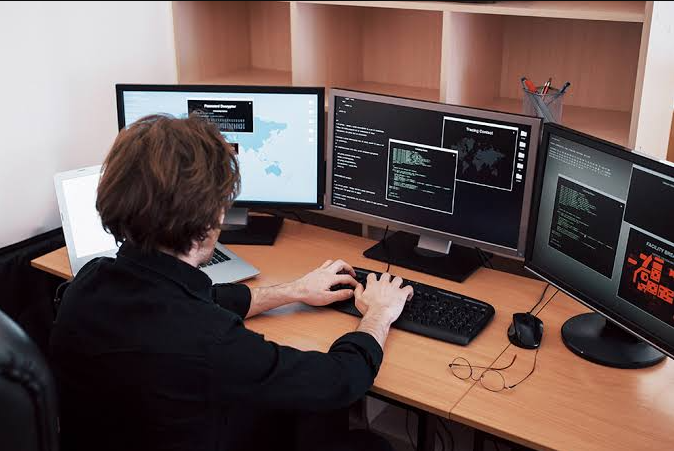
Resolution describes the number of pixels displayed horizontally and vertically, creating the visual clarity you see on screen. Common resolutions include 1920×1080 (1080p), 2560×1440 (1440p) and 3840×2160 (4K). Higher resolution means more pixels and generally sharper text, finer details and the ability to see more on screen simultaneously without scrolling or panning.
For most office work and casual browsing, 1080p at typical monitor sizes feels perfectly sharp and responsive. Designers, video editors and programmers often benefit from 1440p or 4K resolutions that display more content at once, reducing constant scrolling. Shop PCHUB.UK for monitors matching your typical viewing distance, higher resolution makes most sense on larger screens where pixels remain comfortably small and readable.
Refresh Rate Smooth Motion and Gaming Performance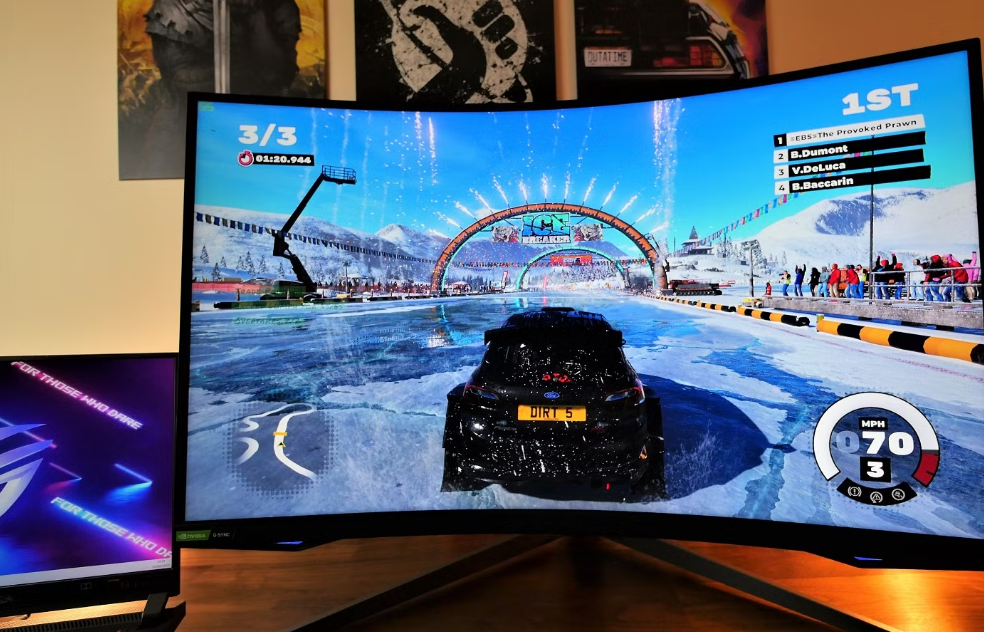
Refresh rate measures how often per second the monitor updates its display, measured in Hertz (Hz). Understanding monitor resolution refresh rate together reveals how displays deliver different visual experiences and performance characteristics. A 60Hz monitor displays 60 frames per second, while a 144Hz monitor shows 144 frames per second. Higher refresh rates translate to noticeably smoother motion, particularly during gaming or when moving your cursor across the screen.
For office work and web browsing, 60Hz proves perfectly adequate and reduces GPU workload. Gamers benefit tremendously from higher refresh rates, with 144Hz feeling dramatically smoother than 60Hz when gaming competitively. Even 240Hz+ monitors exist for competitive esports enthusiasts who demand maximum responsiveness. Check PCHUB.UK for 144Hz+ gaming monitors that transform your gameplay experience dramatically.
Panel Technology IPS, TN and VA Explained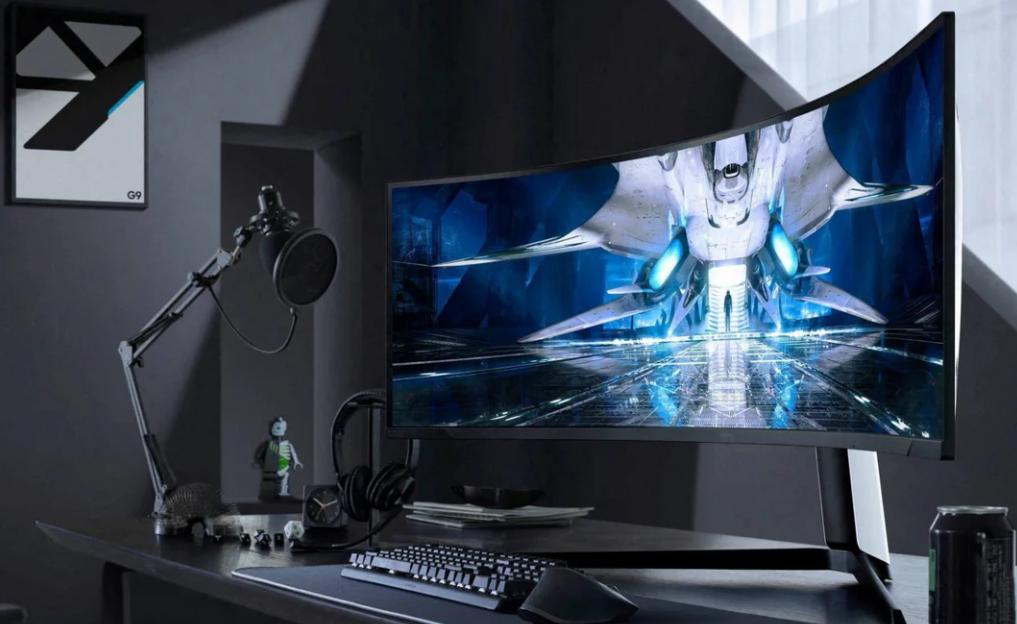
Monitor panels use three primary technologies, each with distinct advantages and trade-offs affecting daily experience. IPS panels offer excellent color accuracy and wide viewing angles, making them popular for photography and professional design work. TN panels deliver fastest response times and highest refresh rates at lower costs, favored by competitive gamers. VA panels sit between these extremes, offering good contrast and color reproduction while maintaining reasonable refresh rates.
Your use case determines which technology matters most. For gaming, fast response times from PCHUB.UK TN panels matter significantly. For color-critical work, IPS displays deliver superior accuracy and consistency. Most casual users find VA panels offer pleasant overall balance for everyday computing tasks.
Additional Features That Enhance Your Experience
Beyond the basics, several features significantly impact your daily experience and computing satisfaction. HDR (High Dynamic Range) displays show more vibrant colors and greater contrast ranges, transforming modern games and movies. Curved monitors provide immersive viewing for gaming and multitasking by wrapping the screen around your field of vision. Adjustable stands allow height, tilt and pivot adjustments for ergonomic positioning. USB hubs integrated into quality monitors from PCHUB.UK streamline cable management and desk organization significantly.
Matching Your Monitor to Your Graphics Card
Your monitor is only as good as your graphics card’s ability to drive it effectively. A 4K 144Hz monitor paired with a budget GPU cannot achieve both full resolution and high refresh rates simultaneously. Proper understanding of monitor resolution refresh rate helps you match hardware components together optimally, considering the games or tasks you’ll actually perform regularly.
NVIDIA’s G-Sync and AMD’s FreeSync technologies synchronize monitor refresh rates with GPU output, eliminating visual tearing and stuttering during gameplay. These proprietary technologies only work with compatible graphics cards, so verify compatibility when shopping at PCHUB.UK.
- 1080p 60Hz suits office work, casual gaming and entertainment consumption perfectly fine.
- 1440p 144Hz balances gaming performance with visual fidelity for serious gamers without extreme budgets.
- 4K 60Hz appeals to content creators and professionals who value pixel density and color accuracy above motion smoothness.
- High refresh ultrawide monitors deliver immersive gaming and multitasking for dedicated enthusiasts.
- Consider color accuracy requirements if you do any photography, design or video editing work professionally.
Selecting the right monitor transforms your entire computing experience, whether you’re working, gaming or simply browsing the internet daily. Understanding resolution, refresh rate and panel technology helps you make an informed decision aligned with your actual use case and workflow. With quality options available from PCHUB.UK, you’ll find a monitor that delivers excellent value and performance for your specific computing needs and budget constraints.

Sorry, the comment form is closed at this time.